
 Korea(한국어)
 United States(English)
 United Kingdom(English)
 Germany(Deutsch)
 France(Français)
 Spain(Español)
 Italy(Italiano)
 Czech(česká republika)
 Poland(Polski)
 Japan(日本語)
 Taiwan(繁體中文)
 Portugal(Português)
 Brazil(Português)
 Australia(English)
 Canada(English)
 STEAM
STEAM ORIGIN
 UPLAY
UPLAY PC Games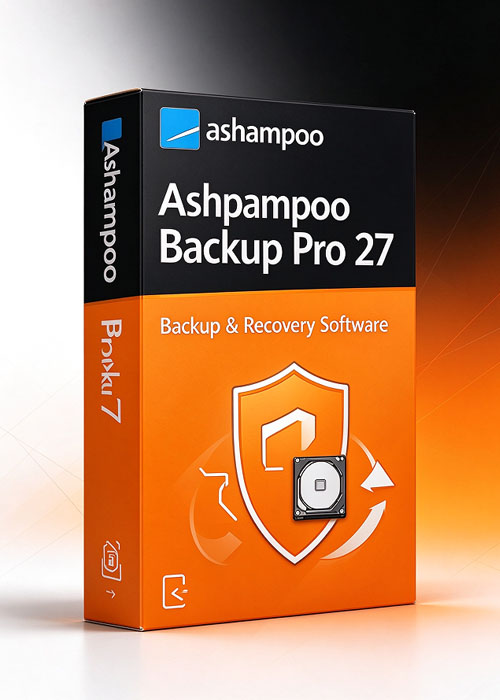
신규 Ashampoo Backup Pro 27
42975.00 KRW


Protect what truly matters–automatically and reliably!
Ashampoo Backup Pro 27 makes data protection simpler and more reliable than ever. Its completely redesigned, modern interface offers maximum clarity and guides you through creating perfect backups in just a few steps. Whether you're backing up locally or to the cloud, everything now operates noticeably faster and more efficiently. Key features include an intuitive dashboard, a unified Backup Explorer with direct file restoration, and a powerful Check & Repair tool that enhances the reliability of your backups. In case of emergencies, the new rescue system ensures absolute safety, no matter the situation.
Simplified plan creation in just a few steps
Unified system for easier plan management
New side panel with log and report details
Dashboard with statistics, SMART status, and error overview
Direct file extraction without full restore
Brand-new rescue system with modern interface
Check & Repair with real-time drive analysis
Up to 30% faster cloud saves
Enhanced BitLocker support with Smartcard and TPM
Dockable main window for flexible workspace layouts
New dark mode
Unified Backup Explorer for all backup types
Restore individual files from backup images
Queue function for multiple drive checks
Support for system-wide HTTP proxies
Significantly faster file-based backups
Backup images open directly in Explorer – no more virtual drives
Smarter interface with maximum clarity
Faster plan creation and editing
The new Ashampoo Backup interface is now more modern and user-friendly. Creating a backup plan is simpler and quicker, with all features accessible in a few logical steps. Wizard, Easy Backup, and Templates are unified for a clear and intuitive experience. You can also modify existing plans directly from the overview page, efficiently and without any unnecessary steps.